The electronic pilot logbook that keeps itself.
An electronic pilot logbook, also called a digital pilot logbook, records the same flights as your paper book, then does everything paper cannot: computes night time and landings from your out and in times, totals every column without arithmetic errors, and produces the reports a checkride or interview asks for. KármánLogs does this on iPhone and iPad, with your data in your own iCloud.

Free for your first 100 hours. No card to start.
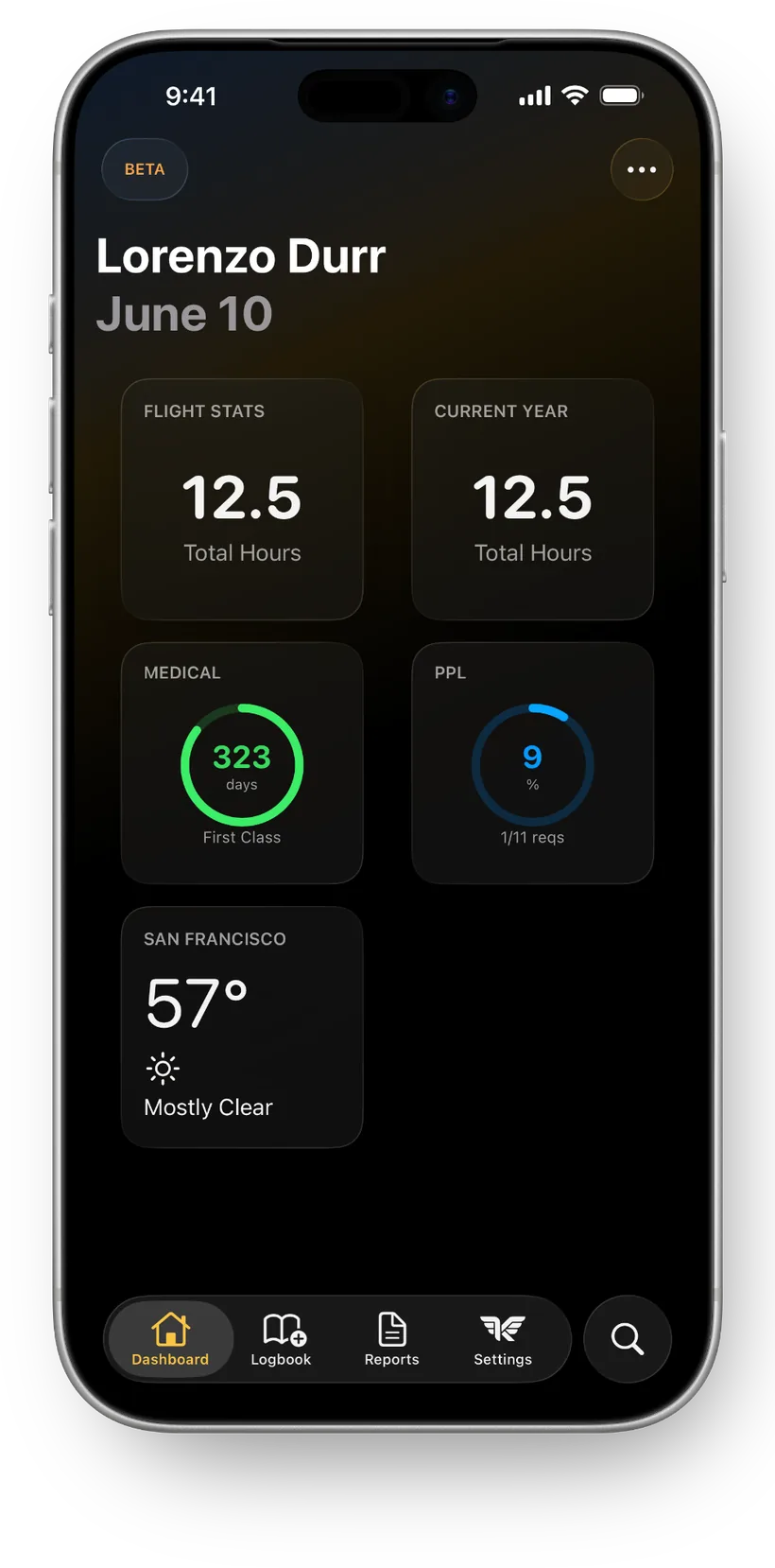
What is an electronic pilot logbook?
It is the same logbook 14 CFR 61.51 has always asked you to keep, stored as structured data instead of ink. Every flight still records the aircraft, the route, the times, and the conditions. The difference is what happens next: data can be computed, searched, totaled, backed up, and turned into paperwork, and ink cannot. “Electronic” and “digital” are interchangeable here; they name the same thing.
It is also more than a spreadsheet. A real electronic logbook understands aircraft, currency windows, and report formats, which is exactly the work you would otherwise do by hand at the end of every month.
the FAR that governs pilot logbooks. It requires a reliable record, not paper
free in KármánLogs, the full logbook, no locked features
KármánLogs servers holding your flights. Your logbook syncs through your own iCloud
Is an electronic logbook legal? Yes, under 14 CFR 61.51.
The regulation asks for a reliable record of the time used to meet requirements for a certificate, rating, or recency. It says nothing about paper. The FAA’s Advisory Circular AC 120-78A goes further and explicitly recognizes electronic recordkeeping and electronic signatures.
In practice, examiners and airline recruiters see digital logbooks every day; acceptance is routine. Moving an existing paper book over is its own topic, with a couple of strategies worth comparing: see switching from a paper logbook to digital.
Paper vs electronic, honestly.
| Paper | Electronic | |
|---|---|---|
| Column totals | Hand arithmetic; small errors compound for years and surface at interviews | Computed from your entries, every page always foots |
| Night time | Look up civil twilight, do the math by hand | Calculated from your times and route |
| Currency & progress | Count landings and approaches manually, every time | Tracked continuously against the windows that matter |
| Loss & damage | One physical copy; coffee, water, and moving boxes are career hazards | Synced across devices and backed up in iCloud |
| Endorsements | Ink originals in the book (keep these either way) | Photo scans stored beside your flights |
| Interview prep | A weekend with an adding machine | Date-range totals and reports on demand |
| Where paper wins | Never crashes, needs no battery, every examiner has seen one | Honest answer: bring your device charged |
The loss row is not hypothetical. Here is what actually happens when a paper logbook is lost.
What to look for in an electronic pilot logbook.
These criteria apply to every app in the category. Hold every candidate to this list, including ours.
An export you can walk away with
PDF and CSV export, not held behind the subscription. A logbook you cannot take with you is a rental.
Where the data actually lives
Vendor server or your own account? Read the privacy policy before you trust it with a career of hours.
Automatic calculation you can trust
Night, landings, and totals should come from your times, not from more typing.
A real import path
Your existing history should move in as data. Retyping a thousand flights is not a migration plan.
The reports your career needs
The FAA 8710 experience table and interview-format printouts, generated, not assembled by hand.
Currency and progress tracking
61.57 windows and rating minimums, counted continuously so nothing expires by surprise.
An honest free tier
Know whether free means a timed trial, a crippled tier, or a genuinely usable logbook.
How KármánLogs answers every line.
Export, free at every tier
PDF logbook export and the FAA 8710 report work from day one, subscription or not.
Your data lives in your iCloud
Encrypted by Apple, synced device to device through your own account. No KármánLogs server ever holds a flight.
Calculation from your OOOI times
Night time, takeoffs, and landings are computed from your out and in times and route, and approaches log in a couple of taps. Aircraft details fill themselves from an FAA N-number lookup.
Import that respects your history
CSV, Excel, and TSV from any app, with dedicated importers for popular logbook formats. Coming from a paid app? See switching from another logbook app.
Career reports, generated
The 8710 experience table for checkride paperwork and interview-ready printouts when the phone call comes.
Progress that counts itself
Rating progress tracking, duty time, and dashboard widgets keep the numbers you are building toward in view.
Free means 100 flight hours
The full logbook is free for your first 100 hours. Not a trial, not a teaser tier.
Your logbook is a career document. It should belong to you.
Stored in your iCloud, not on our hardware.
Flights sync between your iPhone and iPad through your own iCloud account, encrypted by Apple in transit and at rest. There is no KármánLogs database of pilot logbooks anywhere, and Sign in with Apple means no account or password exists to be breached. The details are in where your data is stored and the privacy policy.
No lock-in, by design.
PDF export and the FAA 8710 report work whether or not you subscribe, and CSV export hands you the raw data. If you ever outgrow KármánLogs, your hours leave with you. That is the standard we think every electronic logbook should meet, and the first item on the checklist above.
Going electronic takes an afternoon, not a weekend.
Bring your history
Import CSV, Excel, or TSV from another app, or enter carry-forward totals from your paper book and go forward from today.
Photograph what only exists in ink
Capture endorsements and certificates with the document photo scan. Keep the paper originals; the photos live beside your flights.
Log the next flight
Enter your times and the electronic logbook does the rest: night, takeoffs, and landings compute themselves.
Curious how the night math works? Read how to log night flight time.
Go deeper on logging it right.
Electronic logbook questions, answered.
Yes. 14 CFR 61.51 requires a reliable record of the time used to meet requirements for a certificate, rating, or recency; it does not require paper. The FAA's Advisory Circular AC 120-78A additionally recognizes electronic recordkeeping and signatures, and examiner and airline acceptance of digital logbooks is routine.
Nothing. The two terms describe the same thing: a pilot logbook kept as structured data in an app instead of ink in a book. Whichever phrase you search, you are looking at the same category of software.
Yes, keep it. The paper book remains the primary record for everything already in it, especially instructor endorsements. Photograph every page and store the photos with your electronic logbook so a lost book is an inconvenience instead of a crisis.
Yes. Export your logbook from your current app as CSV, Excel, or TSV and import it. Popular formats are recognized automatically by dedicated importers, and anything else gets a column mapping you review before a single flight is written.
In KármánLogs, your first 100 flight hours are free with the full logbook included. Past that it is one clear annual price by certificate level: Private $49.99, Commercial $69.99, ATP $99.99 per year.
In your own iCloud, encrypted by Apple. KármánLogs has no server that stores your flights, and you sign in with Apple, so there is no account to create and no password to leak. PDF and 8710 export mean your data is always yours to take.
Every hour, accounted for. Automatically.
Free for your first 100 flight hours, then one clear annual price as you advance: Private $49.99, Commercial $69.99, ATP $99.99. See the full pricing, or if you are training toward your Private, how the free tier covers student pilots.
Free for your first 100 hours. No card to start.